
If you have started shopping for IT help, you have run into the term "MSP." It stands for managed service provider, and it describes a specific way of handling business technology. Here is what it actually means, and how to tell whether your Toledo business is ready for one.
What does an MSP actually do?
A managed service provider takes ongoing responsibility for your technology for a predictable monthly fee. Instead of calling someone only when things break, you have a team managing your systems continuously, keeping them running, secure, and up to date.
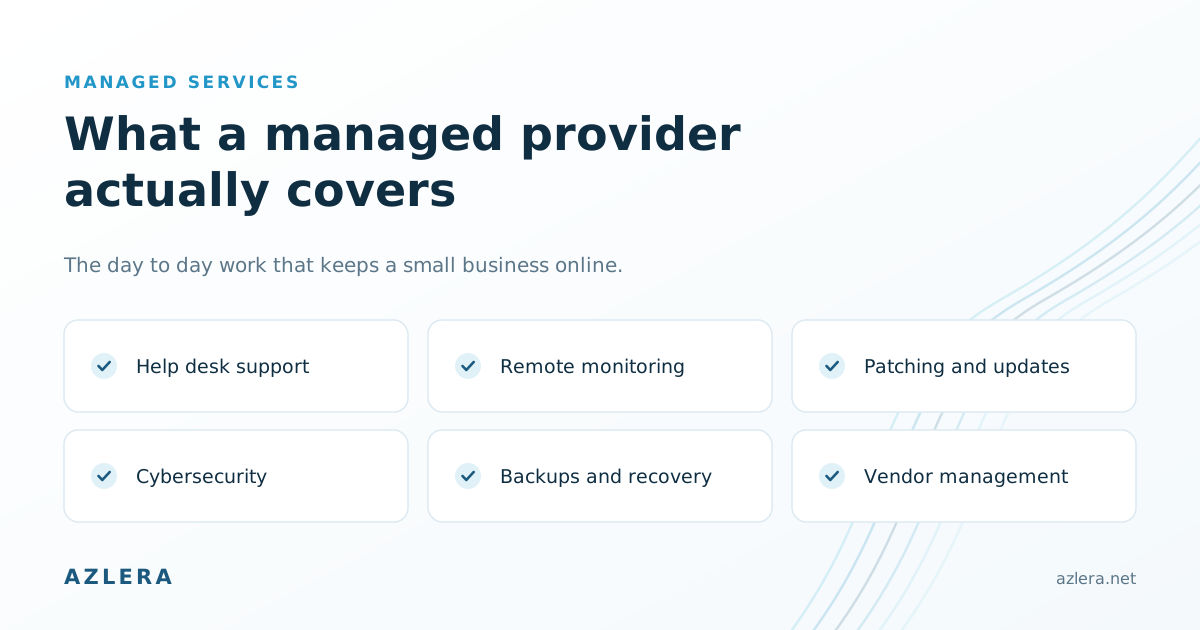
Day to day, that usually covers:
- Help desk support for your team when something goes wrong
- Remote monitoring to catch issues before they cause downtime
- Patching and updates to keep software current and secure
- Cybersecurity, including endpoint protection, email security, and threat monitoring
- Backups and recovery so your data is protected and restorable
- Vendor management, so you are not the go-between for your other tech providers
How is an MSP different from break/fix IT?
Break/fix is the older model. You pay a technician by the hour whenever something goes wrong. It seems economical, but it has a built-in problem. Your IT provider only earns money when things break, so nothing rewards them for preventing problems in the first place.
An MSP flips that incentive. Because you pay a flat rate, the provider is motivated to keep everything running smoothly. Fewer emergencies is good for you and good for them. You also get a predictable bill instead of a surprise invoice after a bad week. We break down how that pricing works on our pricing page.

What are the signs you are ready for one?
- Downtime or tech problems are starting to cost you real time and money
- Nobody on your team has the time, or the expertise, to manage IT properly
- You are worried about security, backups, or compliance but are not sure where you stand
- Your IT costs are unpredictable and spike at the worst times
- You want technology to help the business grow, not just keep the lights on
Does your Toledo business need one?
If a couple of those sound familiar, an MSP is worth a conversation. The right partner is local, responsive, and able to grow with you, not a distant call center. The best first step is a free assessment, where a provider reviews your setup, shows you where you are exposed, and explains exactly how managed IT would help.
Not sure if you are ready for an MSP?
We will look at your setup and tell you honestly. No cost, no obligation.
Book a free assessment
Related service: Managed IT services